From drafting marketing emails to analyzing financial spreadsheets, Artificial Intelligence is acting as an affordable, brilliant assistant for small and medium-sized businesses (SMBs). However, as you integrate these powerful tools into your daily workflow, you introduce a significant new risk: the mishandling of Personally Identifiable Information (PII).
PII is any data that can be used to identify a specific individual think client names, home addresses, phone numbers, social security numbers, or billing details. Exposing this data to external AI models can result in broken customer trust, compliance violations, and severe legal consequences. Protecting this data requires different strategies depending on how your team is using the technology.
Everyday AI Use: Best Practices for Your Team
If your team is simply logging into web-based AI chatbots to summarize documents or write reports, security comes down to strong company policies and user habits. Here is what every business owner needs to enforce:
- Practice Strict Data Minimization: Teach your team to only share the context absolutely necessary to get the job done. Before pasting a customer complaint or a contract into a prompt, manually scrub it. Remove names, addresses, and financial figures. Use placeholders like “[Client A]” instead.
- Understand Vendor Privacy Policies: Free, public AI tools often use your chat history to train their future models. This means a sensitive strategy document you paste today could potentially leak in a response to someone else tomorrow. Look for tools that offer clear opt-outs for data training, or upgrade to paid business tiers that explicitly guarantee your data won’t be used for training.
- Maintain Account Separation: Prohibit employees from using their personal AI accounts for business tasks. Using dedicated, centralized business accounts ensures you benefit from enterprise-level agreements and gives you control over the data flowing in and out of your organization.
“Trusting a free, public AI tool with your raw customer data is the digital equivalent of leaving your filing cabinets open in a crowded coffee shop. If you aren’t paying for privacy, your data is the product.”
Building Custom AI: Developer Best Practices
Many SMBs are moving beyond basic chatbots and starting to build custom AI workflows. You might be working with a developer to create a tool that “reads” your internal HR policies or client histories (an architecture known as Retrieval-Augmented Generation, or RAG). If you are building automated pipelines, user caution isn’t enough; you need systemic safeguards:
Intelligent Data Masking
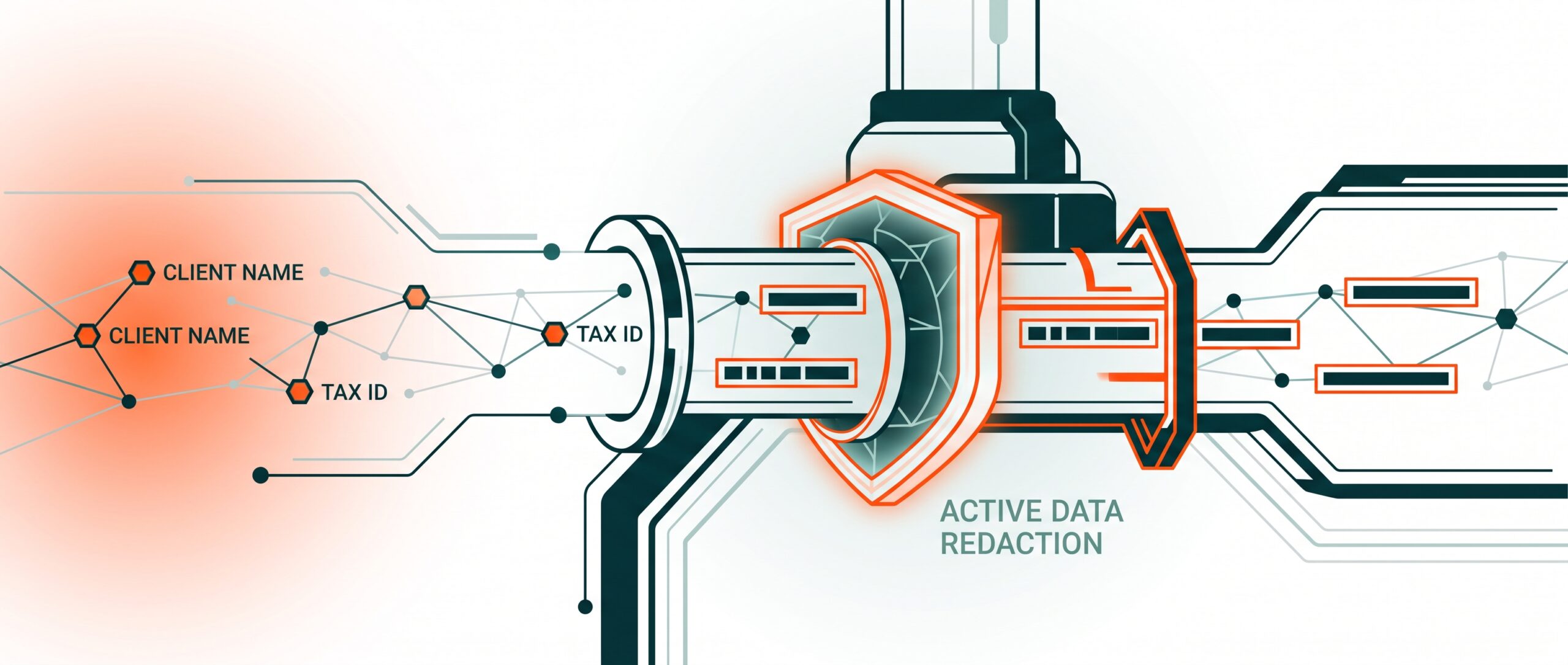
Static rules often fail when data structures change. Ensure your developers implement semantic, dynamic masking. This means the system uses intelligent logic to recognize PII concepts (like tax IDs) and automatically redacts them the exact moment the data is pulled from your database, before it ever reaches the AI model.
Sanitize Your Storage
If you are feeding company documents into a specialized database for your AI to search (known as vector storage), ensure that raw PII is completely scrubbed before it goes in. If your system pulls an unmasked document into the AI’s prompt behind the scenes, the entire process becomes unsafe.
Strict Output Validation
Don’t just monitor what goes into the AI; monitor what comes out. Implement strict output controls to validate the AI-generated content. Models can occasionally hallucinate or leak sensitive data retrieved from their background context, so an automated check before the final response reaches a customer or employee is critical.
AI is an incredible lever for business growth, but it requires responsible deployment. By separating business and personal use, masking sensitive data, and building safeguards into your custom tools, you can harness the power of AI without compromising your customers’ trust.
